Applying
How to apply to rent rooms at R-Space, if you don't have an account yet.
1Applying
The first step for someone interested in renting who doesn't yet have an account is to apply. You can do so by clicking Apply to use the rooms on the sign-in page and filling out the application form, which includes fields for you to upload your registration and insurance documents, along with other relevant information.
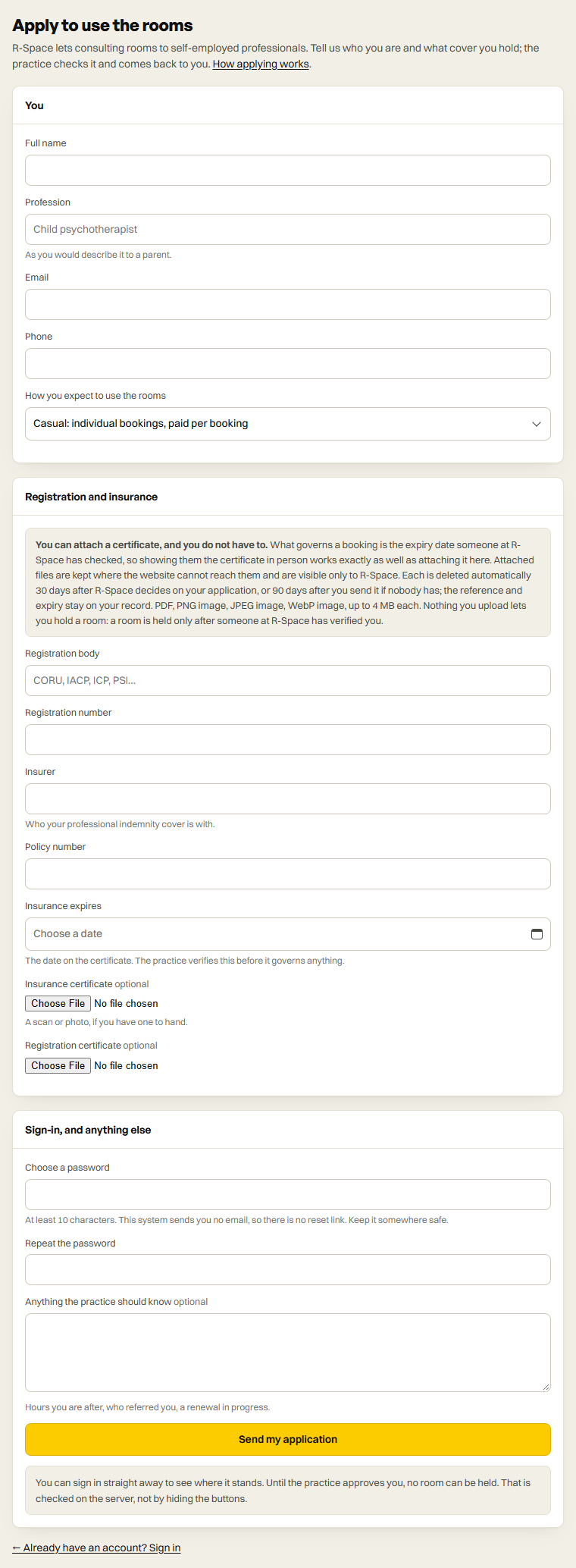
Once your application is submitted, the system lets the administrators know, and they check your registration and insurance certificates.
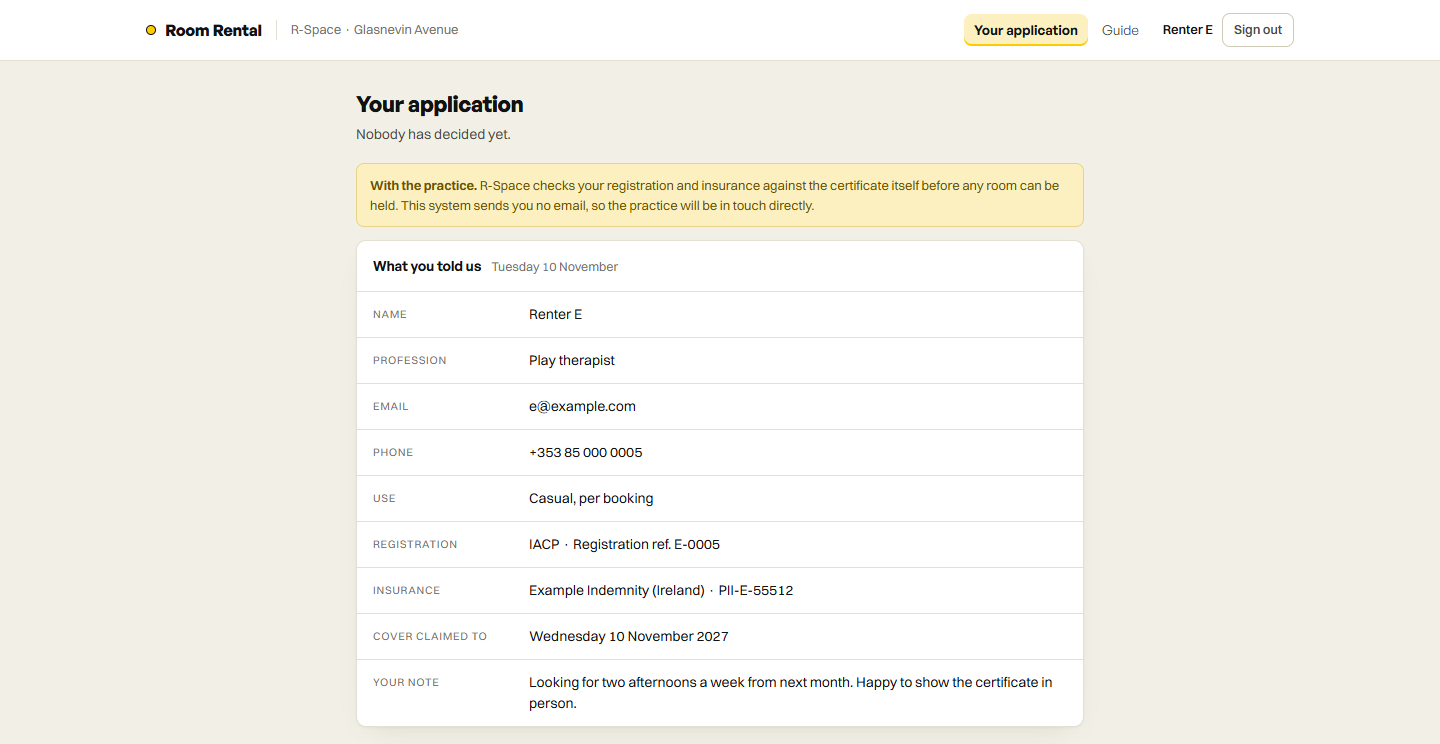
2Waiting for a decision
And now you can log in with the email and password entered in your application, but at this point you'll have limited access to the system. You'll only be able to view the status of your application. If you try to access anything else, the system redirects you back to the status page.